
FOR TEXAS TEAMS RUNNING SITECOREAI
Sitecore Support in Houston & Texas: 5 Small SitecoreAI Fixes That Unlock Your ROI
You moved to SitecoreAI. None of these issues will take your site down, but each one quietly costs you speed, search traffic or insight. Here is what we see after migrations, why it happens, and how to fix it.
By Pauras Desani, Delivery Manager · Dynamics365TX, Houston, Texas · · 8 min read
Big migration done. Now the small things add up.
Across Texas, from energy companies in Houston to healthcare systems in Dallas, teams have moved off Sitecore XP and XM onto SitecoreAI, the platform Sitecore launched in November 2025 as the evolution of XM Cloud. If you are looking for Sitecore support in Houston or anywhere in Texas, this is where to start.
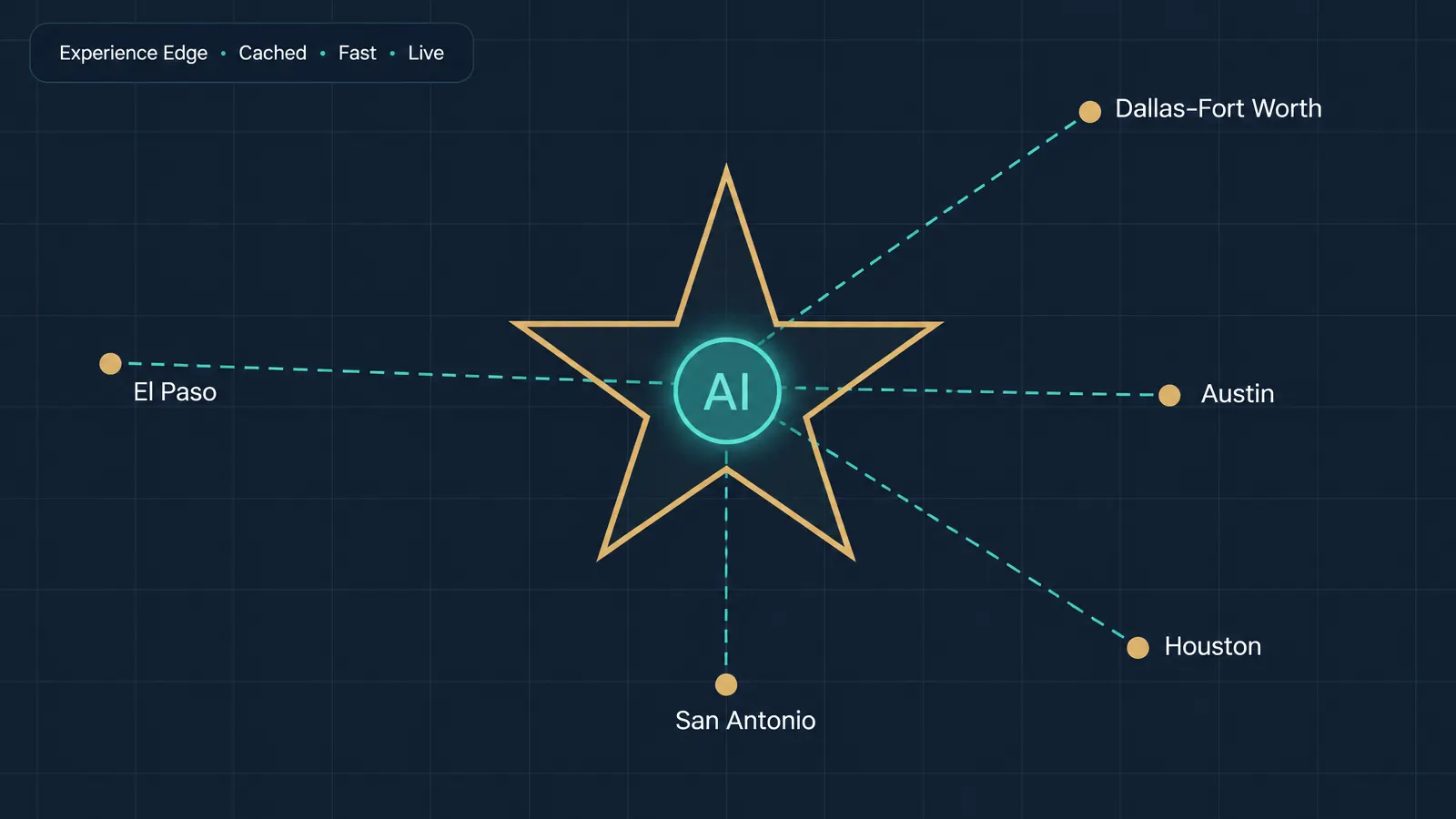
The move changes how content is delivered. Pages are now served through Sitecore's Experience Edge, a cached content network with its own rules. Habits and settings that worked on XP can work against you here.
The good news: the five issues below are minor fixes, usually days of work rather than months. Each one has an outsized effect on speed, search traffic, or your ability to prove the return.
The five SitecoreAI fixes at a glance
| Issue | What you notice | What it costs you | Typical fix effort |
|---|---|---|---|
| 1. Edge rate limits | Slow pages or errors at traffic peaks | Lost visitors and leads | Days |
| 2. Broken legacy URLs | 404s from old links and vanity URLs | Search rankings and campaign traffic | Days |
| 3. Slow publish and builds | Changes take too long to go live | Marketing speed | Days to 2 weeks |
| 4. Analytics gap | Old Sitecore reports went quiet | Proof of ROI | 1 to 2 weeks |
| 5. Unintended public content | Restricted items reachable on Edge | Compliance and reputation risk | Days |
Five SitecoreAI issues Texas teams see after migration
Pages slow down or fail when traffic spikes
The problem: Experience Edge allows 80 uncached requests per second on its delivery API. Go over that and it returns an HTTP 429 error. Sites that render every page on request (server-side rendering) hit this limit during launches, campaigns and storm-season traffic.
The fix:
- Switch most pages to static generation (SSG) or incremental regeneration (ISR), so pages are built once and served from cache.
- Raise the web app's cache timeout from its 60-second default where content changes less often.
- Turn on the retry strategy built into the Sitecore SDK, so a brief 429 recovers instead of failing.
Old links and vanity URLs quietly break
The problem: Experience Edge does not support Sitecore aliases or virtual folders, and media URLs are case-sensitive. Short URLs printed on brochures, trade-show banners and old emails can now land on a 404 page, and image links with different capitalisation stop working.
The fix:
- Export every alias from your old XP or XM instance and turn each into a redirect. Edge supports up to 9,990 redirects.
- Audit media links for capitalisation mismatches and standardise them.
- Run a monthly crawl for 404s and add redirects as they appear.
Publishing and builds take longer than they should
The problem: SitecoreAI offers Edge runtime publishing, which can publish much faster. But Sitecore notes it can make static builds up to three times longer, because it is designed for incremental regeneration and server rendering. When the publishing mode and rendering strategy don't match, marketers wait.
The fix:
- Decide your rendering strategy first, then pick the publishing mode that suits it.
- If you use runtime publishing, pair it with ISR rather than full static builds.
- Configure snapshot publishing where you rely on incremental updates, and publish only what changed.
Your old Sitecore analytics went quiet
The problem: Sitecore's built-in tracking and analytics do not record requests served through Experience Edge. Reports your team relied on in XP stop telling the full story, so when leadership asks what the migration delivered, nobody has a clear answer.
The fix:
- Instrument the front end with your analytics tool (for example GA4 through a tag manager), including form and conversion events.
- Check whether your SitecoreAI subscription includes CDP and Personalize, and connect them if so.
- Rebuild a short dashboard of the five KPIs leadership actually asks about.
Content you thought was private is public
The problem: Experience Edge does not enforce Sitecore security permissions on content. Anything published can be reached, so items protected by read restrictions in XP may now be visible. Edge also uses one content scope per tenant, so security tokens, cache clearing and webhooks cannot be limited to a single site.
The fix:
- List every item that had read restrictions in your old instance.
- Apply publishing restrictions so those items never reach Edge, and move truly gated content behind application-level sign-in.
- If you run several brands or sites, agree who owns tokens and webhooks across them.
AFTER THE FIXES
How to keep getting more from SitecoreAI
SitecoreAI is a versionless SaaS platform, so it keeps changing underneath you. A light, regular routine keeps the gains from slipping.
Monthly
Crawl for 404s, add redirects, and review page speed on your top 20 pages.
Quarterly
Review cache settings and Edge usage against traffic, and audit publishing restrictions.
Every release
Read Sitecore's release notes and test new features in a non-production environment first.
Twice a year
Refresh author training, so marketers use the new editing tools instead of raising tickets.
Sitecore Support in Houston and Across Texas, on Your Terms
Dynamics365TX is a Houston consulting firm. We provide Sitecore specialists and manage the delivery, so you get the outcome, not just a resume.
Short-term
Fix it and step back.
A specialist works through one or more of the five fixes over a few weeks, then hands over documentation.
Part-time
Backup when you need it.
A set number of hours each week, so you're never one resignation away from a Sitecore problem.
Long-term
An embedded resource.
A dedicated Sitecore specialist on your team, managed by us, for as long as you need.
Serving Houston, Dallas–Fort Worth, Austin, San Antonio, El Paso and companies across Texas.
Sitecore in Texas: frequently asked questions
Do you provide Sitecore support in Houston?
Yes. Dynamics365TX is based in Houston and provides Sitecore support on a short-term, part-time or long-term basis, on-site in the Houston area or remotely.
Do you work with Sitecore companies outside Houston?
Yes. We support companies across Texas, including Dallas–Fort Worth, Austin, San Antonio and El Paso, mostly remotely.
What is SitecoreAI?
SitecoreAI is Sitecore's SaaS digital experience platform, launched in November 2025 as the evolution of XM Cloud. Existing XM Cloud customers moved to it without a migration.
We're still on Sitecore XP or XM. Can you help?
Yes. We help teams keep XP and XM stable and secure, and plan the move to SitecoreAI when the timing is right.
How quickly can someone start?
Contact us with what you need and we'll confirm availability and a start date within 2 business days.
Book a free 30-minute SitecoreAI health check
We'll walk through the five issues with your team and tell you which ones apply to your site. No obligation.
- A short list of fixes, ranked by impact
- A rough effort estimate for each
- Your options for short-term, part-time or long-term support
Prefer to call? +1.713.443.9985 · start@dynamics365Tx.com